Manager Dashboard
Last updated: July 28, 2026
Summary Managers can use the manager dashboard to manage and configure StudyCoach's functionalities. Roles
* Some settings are not available to managers at the sub-account level. |
Introduction
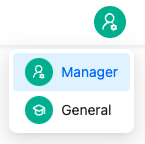
As a manager, you can change settings and manage users in StudyCoach. To do this, click on the 'person with cogwheel' icon at the top right. You can then select 'Manager' to open the Manager Dashboard.
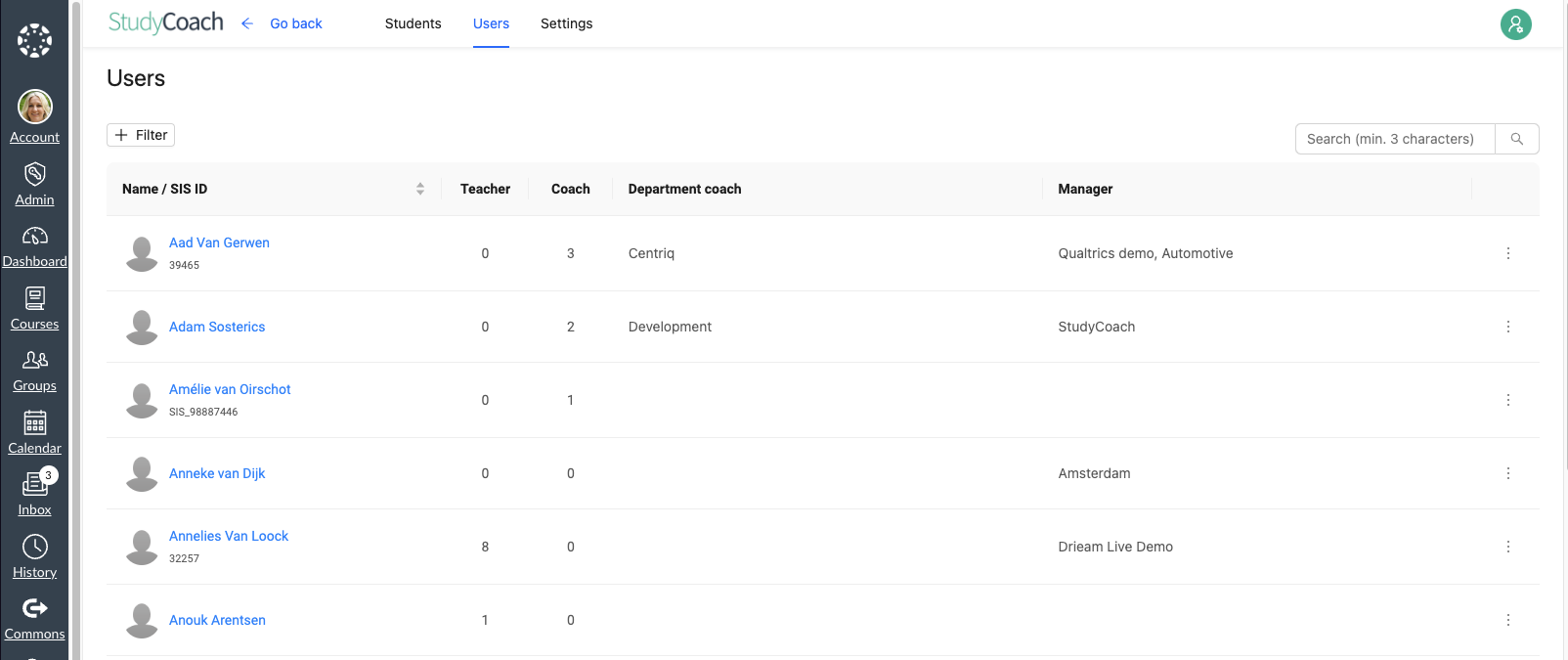
You will now see the 'Users' table. This table is the same users table that could be found in StudyCoach in the past. The functionalities have remained the same on the tab: 📄 User management
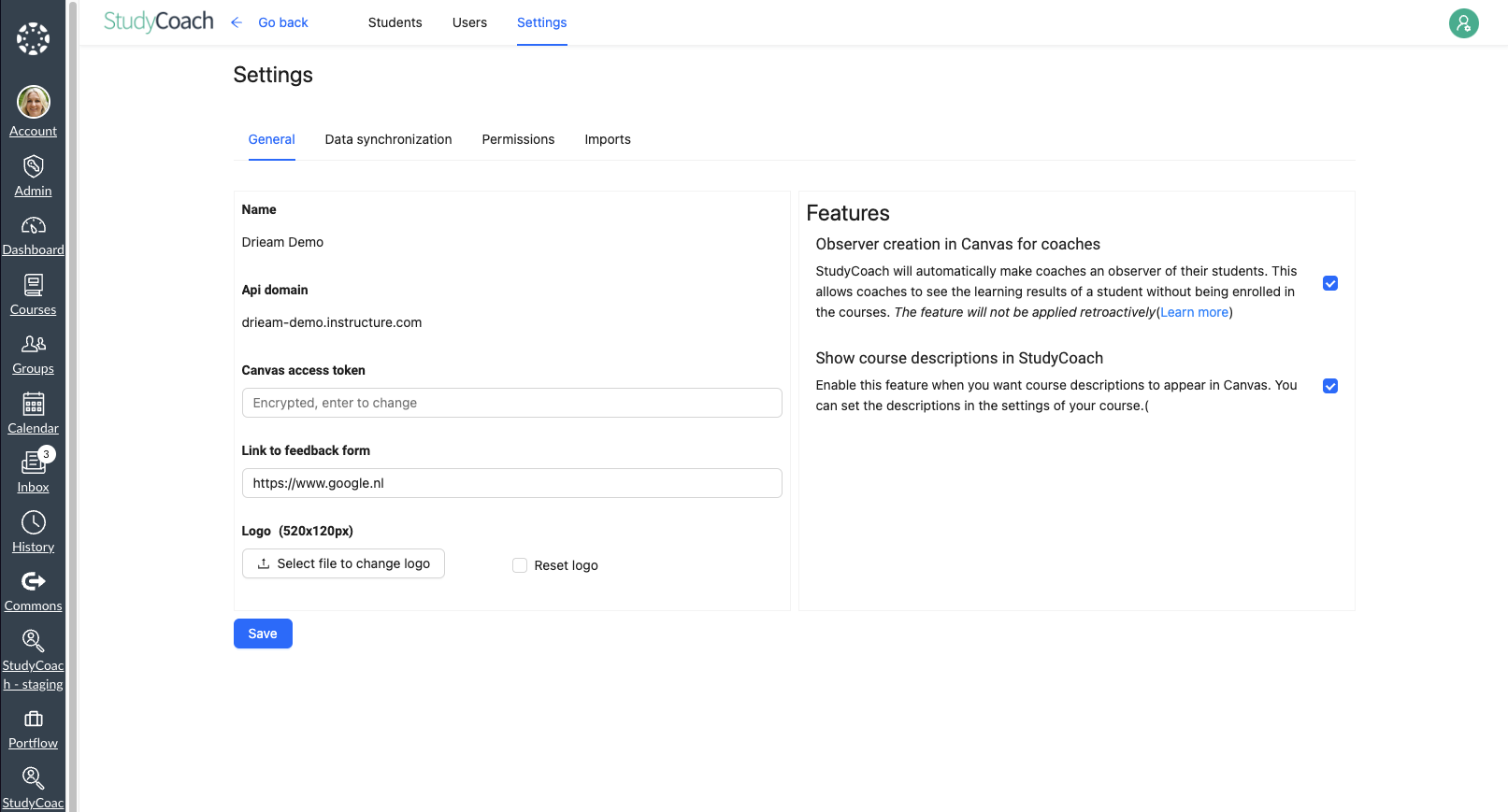
Clicking 'Settings' at the top of the screen opens a new tab where StudyCoach can be further set up. Below are different options highlighted.
General
On the General tab, one can manage the following functionalities:
Logo
This allows you to customize the logo visible in StudyCoach and make the application match your own institutes' identity. If one decides to replace the current logo with an alternative logo, this new logo is displayed in the top left corner on every page of StudyCoach instead of the StudyCoach logo. An alternative logo should be 520 × 120 px in size and of type PNG. The Reset button restores the logo to the original version.
Creating observers in Canvas
This allows you to enable the functionality by which StudyCoach automatically adds the role of observer to coaches. 📄 Observer role for coachesexplains more about this.
Course descriptions
This allows you to show the description of a course underneath the course name in a list of courses in StudyCoach instead of the account-name.
Canvas data synchronization
In the tab Canvas data synchronization one can configure which data per sub-account ( 📄 Canvas data synchronization) will be synchronized ( 📄 Synchronization). Also, one can manage the terms and (sub-)accounts ( 📄 Canvas data synchronization)here to which the synchronization applies.
Permissions
In the Permissions tab you can set (per sub-account) which role can use which functionalities. On sub-account level a more limited set of functionalities can be managed. Here you can also choose to enable or disable each functionality or to inherit the settings of the parent account. More about this can be found in the article 📄 Permissions
Import
In the Import tab you can import coaches and their relationship with students as well as department coaches per sub-account. 📄 Add and delete users and relationships via CSV import explains more about this.